Not sure which paper trimmer belongs on your craft desk? For card making, a rotary trimmer suits single sheets and photos, while a guillotine suits small stacks and thicker card.
| Item | Value |
|---|---|
| Guillotine capacity | No more than about 20 sheets at a time |
| Rotary trimmer capacity | One or just a few sheets at a time |
| Stack cutter capacity | Often up to a full ream of paper in one cut |
| Rotary blade extras | Deco cuts such as waves, scoring and perforating |
These figures come from a binding supplier’s buyer’s guide. Specifications can change and vary by model, so check the source and your own trimmer’s manual before you rely on them.
How the main trimmer types differ
A trimmer is a tool for cutting straight, repeatable edges on paper. The mechanism is what sets the types apart, and the mechanism decides what each one does well.
- Guillotine: a handle lifts and lowers a blade that slices down through the paper.
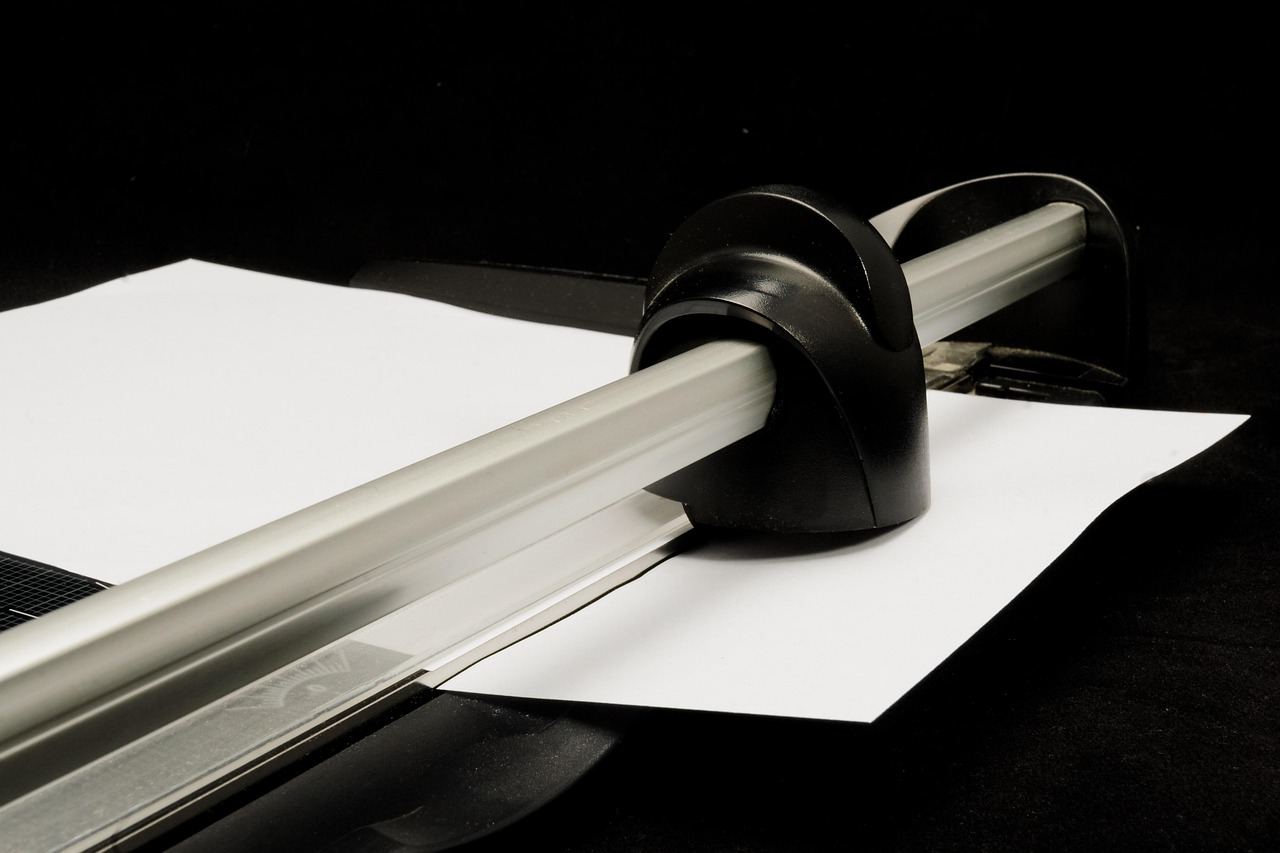
- Rotary: a circular blade rolls along a rail across the page.
- Stack cutter: a clamped, heavy-duty machine for large quantities.
For papercraft, the first two cover almost every job. Stack cutters are aimed at print shops and businesses rather than a hobby table.
Guillotine trimmers: strong on stacks and card
A guillotine uses a curved blade and may include a paper clamp; smaller models are ideal for smaller stacks, usually no more than about 20 sheets at a time. That is the figure given in the supplier guide linked above.
The limit exists because the stack shifts slightly as the blade slides through it. Cutting a thicker pile would be less accurate from the top sheet to the bottom one.
Guillotines once had a dangerous reputation. Modern designs add blade covers and locks to keep your hands out of harm’s way, though you should still keep fingers clear of the cutting line.
Good uses for a guillotine:
- Cutting a pile of matching card bases in one pass.
- Trimming heavier card where a rotary blade might drag.
- Making several identical layers for a scrapbook page.
Rotary trimmers: precise for single sheets
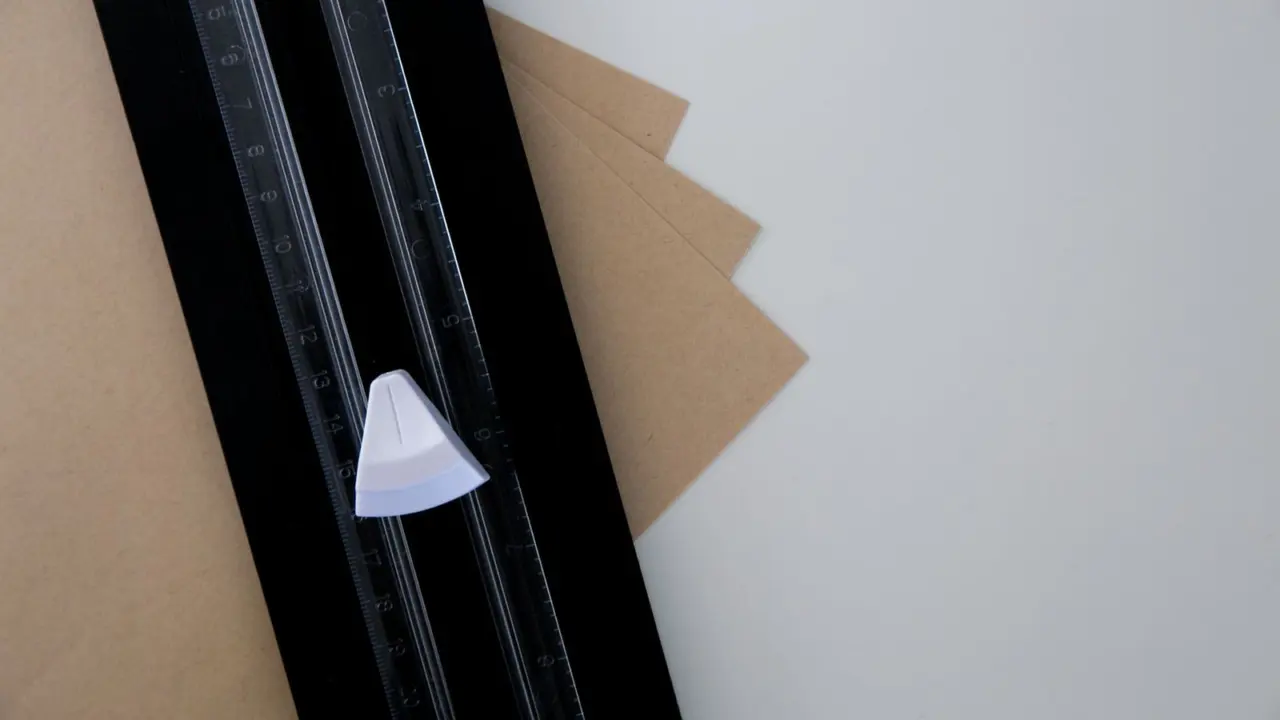
Rotary trimmers are typically used for one or just a few sheets at a time. A circular blade rolls across the page, and the guide rail holds the paper in place.
They are tuned for accuracy and for trimming slim edges rather than cutting through stacks. Think of trimming the white border off a photo print rather than cutting a stack of fliers.
Some rotary models also let you swap the blade. That opens up deco cuts such as waves, plus scoring and perforating, which are handy for folded cards and tear-off tags.
Stack cutters and when they make sense
Stack cutters sit at the far end of the range. They allow cutting of large quantities of paper, often up to a full ream in one cut, and they come in manual and electric versions.
For a card maker, that is usually far more machine than you need. They suit a small business printing flyers or invitations in volume, or a club that shares one machine between many members.
If you only occasionally need a big batch cut, a local print shop is often a simpler answer than owning one. For everyday card and scrapbook work, a guillotine or rotary trimmer on your desk will do the job.
Which paper trimmer should you choose?
Start with the job you do most. If you cut single sheets, photos and narrow strips, a rotary trimmer is the natural fit. If you batch-cut card bases, a guillotine saves time.
- Trimming photo borders: rotary.
- Scoring and perforating: rotary with a swappable blade.
- Cutting small stacks of card: guillotine.
- Cutting a whole ream: stack cutter.
Beyond the cutting task, think about where the tool will live. A large guillotine may need dedicated desk space, while a rotary trimmer is usually flat enough to slide into a drawer or a craft tote.
Think about who will use it too. If children or guests join craft sessions, a rotary trimmer with an enclosed blade tends to feel less intimidating, and children should use only an age-appropriate trimmer under adult supervision, following its safety instructions.
Check how thick your card is before you buy. Our cardstock weight guide explains how to read card weights, which helps you judge whether a trimmer can handle your stock.
Capacity ratings are best treated as a ceiling. Ratings are usually measured on ordinary copy paper, so heavy card will cut fewer sheets per pass than the number on the box suggests.
Common mistakes when buying a trimmer
The most frequent error is buying for the biggest job you can imagine rather than the one you do weekly. A large machine that rarely gets used takes space and does not make small cuts any better.
A second error is trusting the headline capacity. If you mostly cut card rather than copy paper, assume the real number per pass is lower and test a small stack first.
A third is ignoring paper size. Check that the cutting length covers the sheets you use, whether that is a full craft sheet or a smaller card panel, so you do not have to cut in two passes and risk a stepped edge.
- Match the cutting length to your largest sheet.
- Pick a rotary model if you want scoring or decorative edges.
- Pick a guillotine if you batch-cut matching pieces.
- Look for a blade lock or cover on any model with a lifting blade.
Finally, remember that straight cutting is only one part of card making. A trimmer works best next to a few simple companions, such as a metal ruler, a pencil and a scoring tool, so you can mark and fold before you cut.
Using and caring for your trimmer
A trimmer is only as good as the way you use it. A few habits keep the edges clean and the blade sharp for longer.
- Line the paper against the guide edge and hold it flat before you cut.
- Cut in one smooth motion rather than stopping partway.
- Keep the blade guard or lock engaged when the tool is not in use.
- Cut only paper and card, and avoid thick or sticky materials the blade was not made for.
- Wipe away paper dust from the rail so the sheet sits square.
A trimmer is for straight edges. For curves, intricate shapes and detail work, a craft knife is the better tool, and it is safest on a self healing cutting mat that protects both the blade and your table.
For the wider picture on blades, knives and punches, see our overview of paper cutting tools, which covers how each tool fits into a papercraft setup.
Frequently asked questions
Is a paper trimmer the same as a paper cutter?
Show answer
The words are often used interchangeably. In general, “trimmer” suggests a smaller tool for light work, while “cutter” suggests a larger guillotine or stack machine.
Can a rotary trimmer cut many sheets at once?
Show answer
Rotary trimmers are typically used for one or just a few sheets at a time, so they are not a good choice for big stacks.
How many sheets can a guillotine cut?
Show answer
A guillotine is ideal for smaller stacks, usually no more than about 20 sheets at a time, according to the supplier guide linked above. Thick card will reduce that number.
Do I need a stack cutter for card making?
Show answer
Rarely. Stack cutters cut large quantities, often up to a full ream in one cut, which is more than most hobby projects need.