Worried your blade will chew up the table, or that your mat will warp? A self healing cutting mat protects both when you pick a size to suit your desk and keep it clean, flat and cool.
This guide sits within our wider look at paper cutting tools.
| Item | Value |
|---|---|
| Pre-cut sizes listed by one maker | 2000mm x 1000mm, A0, A1, A2, A3 and A4 |
| Standard thickness in that range | 3mm |
| Thicker option | 5mm |
| Cleaning after use | Wipe with a damp cloth |
| Residue cleaner | Mild soap and lukewarm water |
| Storage | Flat, away from extreme temperatures |
Figures come from the maker guidance at Rhino’s cutting mat guide and its care and maintenance sheet. Ranges and advice can change, so check the source before you rely on them.
What a self-healing mat actually does
A self-healing mat has a surface that closes up after a blade passes through, helping reduce grooves from normal, light cutting. That keeps the surface flatter, and your blade is less likely to snag or wander.
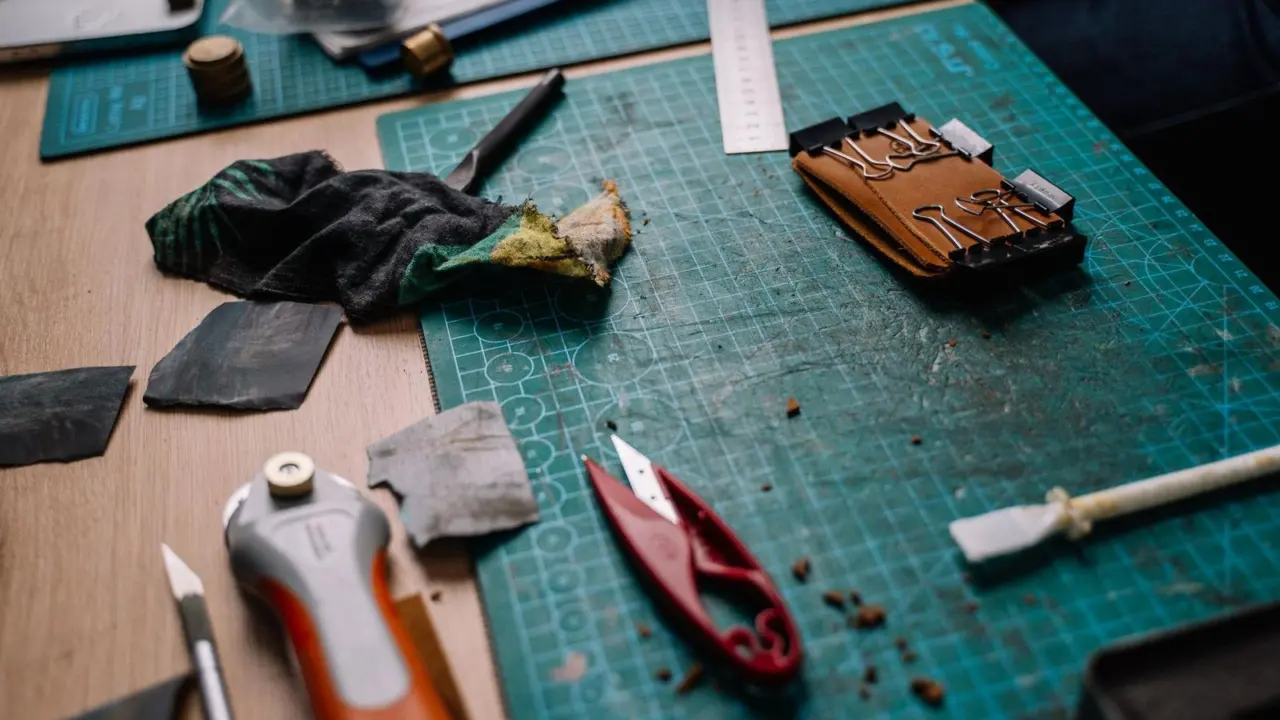
For paper and card work, the mat does three jobs. It protects your table, it gives the blade a slightly forgiving surface, and it usually carries a printed grid that helps you line up straight cuts.
It will not last forever. Deep cuts, heat and dirt all shorten its life, which is why the care habits further down matter as much as the purchase.
Choosing a size
Start by measuring the space where you will use and store the mat. Rhino’s guide says to measure the intended space first, before you think about anything else.
The same maker lists pre-cut sizes including 2000mm x 1000mm, A0, A1, A2, A3 and A4. Most card makers will only look at the smaller end of that range.
- A4: Handy for small pieces, trimming embellishments and travelling to a class. It fits on a crowded desk.
- A3: A good all-round choice for A4 card; for full scrapbook sheets, choose a mat large enough to support the whole sheet.
- A2 and above: Better for large posters, wrapping paper or big layouts, but you need a dedicated table and a flat place to store it.
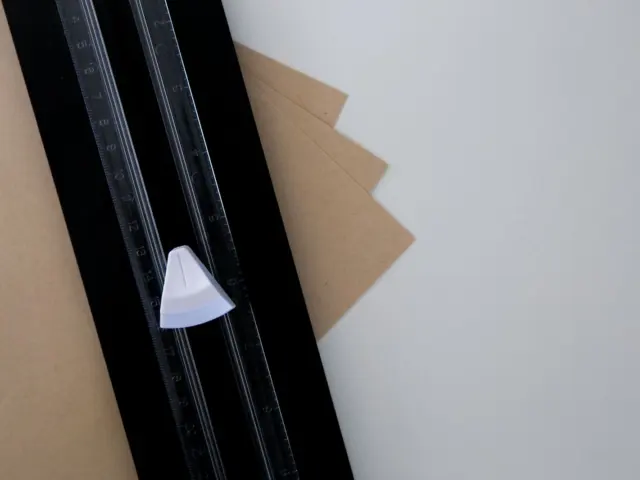
Check the mat against the paper you actually use. If your cutting is mostly short straight lines, a paper trimmer may cover long cuts, and a smaller mat will handle the detail work.
Thickness and blade pairing
Rhino says it only supplies mats with a minimum thickness of 3mm, and describes thinner as unsuitable for heavy-duty or industrial use. It also sells a thicker 5mm mat for large applications.
For a paper desk, 3mm is a sensible baseline. A thicker mat is heavier and costs more, so only go there if you cut often and hard.
The blade matters too. A sharp craft knife for paper makes clean cuts and avoids the deep gouges that a dull blade makes when you press harder to compensate.
How to care for your mat
Good habits cost almost nothing. Rhino’s care sheet lists the same few steps again and again: vary where you cut, use sharp blades, clean regularly, avoid heat and store the mat flat.
- Vary your cutting position so wear spreads evenly across the surface instead of wearing one patch out.
- Use sharp blades and swap them before they drag.
- Wipe the surface with a damp cloth after each use to remove debris.
- Clean residue with mild soap and lukewarm water, such as adhesive from tape or glue.
- Skip harsh chemicals and solvents, because they can break down the self-healing properties.
Small paper fibres and bits of card can become embedded in the surface. Regular cleaning stops that dirt building up and marking your next project.
Storing a mat so it stays flat
Warping is the most common way a mat gets ruined. The maker’s advice is to store it flat whenever possible, because hanging it or rolling it tightly for long periods can cause bending.
- Keep it away from direct heat and sunlight, such as a radiator or a sunny windowsill.
- Do not leave a hot iron, laminator or heat tool resting on it.
- Avoid stacking heavy objects on it when it is not in use, since they can cause distortion.
The maker also notes that excessive heat can warp or harden the surface and reduce its ability to self-heal. A slim shelf under a bed or behind a cupboard often works well.
Setting up your workspace
Put the mat on a firm, level table so it cannot bow in the middle. Good light from the side helps you see the grid lines and any small debris on the surface.
Leave room around the mat for your ruler, spare blades and the paper you have not cut yet. A tidy station means fewer accidents, and you are less likely to rest a hot tool or a wet cup on the mat by mistake.
If you share the table with meals or homework, a mat that stores flat and slides away quickly is worth planning for before you buy.
Cutting habits that protect the surface
How you cut affects the mat as much as how you clean it. Light, repeated passes are kinder than one heavy stroke, because forcing the blade pushes it deep into the surface and leaves a groove.
Work with a steel or acrylic ruler with a metal cutting edge and keep your fingers well behind the edge. Hold the blade at a steady angle and position your work so the cutting stroke travels away from your body and supporting hand.
- Cut in different areas on each project, and turn the mat around now and then.
- Flip a double-sided mat when one side looks tired.
- Lift off paper scraps and shavings before you start a new cut.
- Keep wet glue, paint and sticky tape away from the cutting area.
These habits cost nothing, and they make a mat feel smooth for far longer.
Common mistakes to avoid
Most mat problems come from a short list of avoidable slips. Spotting them early saves you a replacement.
- Using a dull blade. It tears the paper and tempts you to press harder, which scars the mat.
- Cutting in one spot. The same patch wears out first, and the grid lines there fade.
- Leaving the mat in a hot car or by a window. Heat is the quickest route to a curled mat.
- Buying too large. A mat that hangs off the desk edge tips and slides, so measure first.
- Buying too small. If your cutting stroke extends beyond the mat, the blade can damage your table.
If your mat is badly gouged, curled or no longer closes after cuts, it is time to retire it. A fresh mat is cheaper than ruined work or a scarred desk.
Frequently asked questions
Can I use hot water to clean my mat?
Show answer
The maker recommends lukewarm water with mild soap, and warns that extreme temperatures can warp the mat. Stick to lukewarm.
Why has my mat stopped healing?
Show answer
Heat can harden the surface and reduce its ability to self-heal, according to the maker’s care sheet. Solvents can also break down the self-healing properties, so avoid them.
Is A4 big enough for card making?
Show answer
It suits small pieces and detail cutting. If you trim full sheets, A3 gives you more room, though it needs more desk space.
Can I roll my mat up to store it?
Show answer
It is better not to. Rolling it tightly or hanging it for long periods can cause bending, so store it flat.